Getting Started
LangDB AI gateway is available as an open-source repo that you can configure locally. Own your LLM data and route to 250+ models.
Here is the link to the repo - https://github.com/langdb/ai-gateway
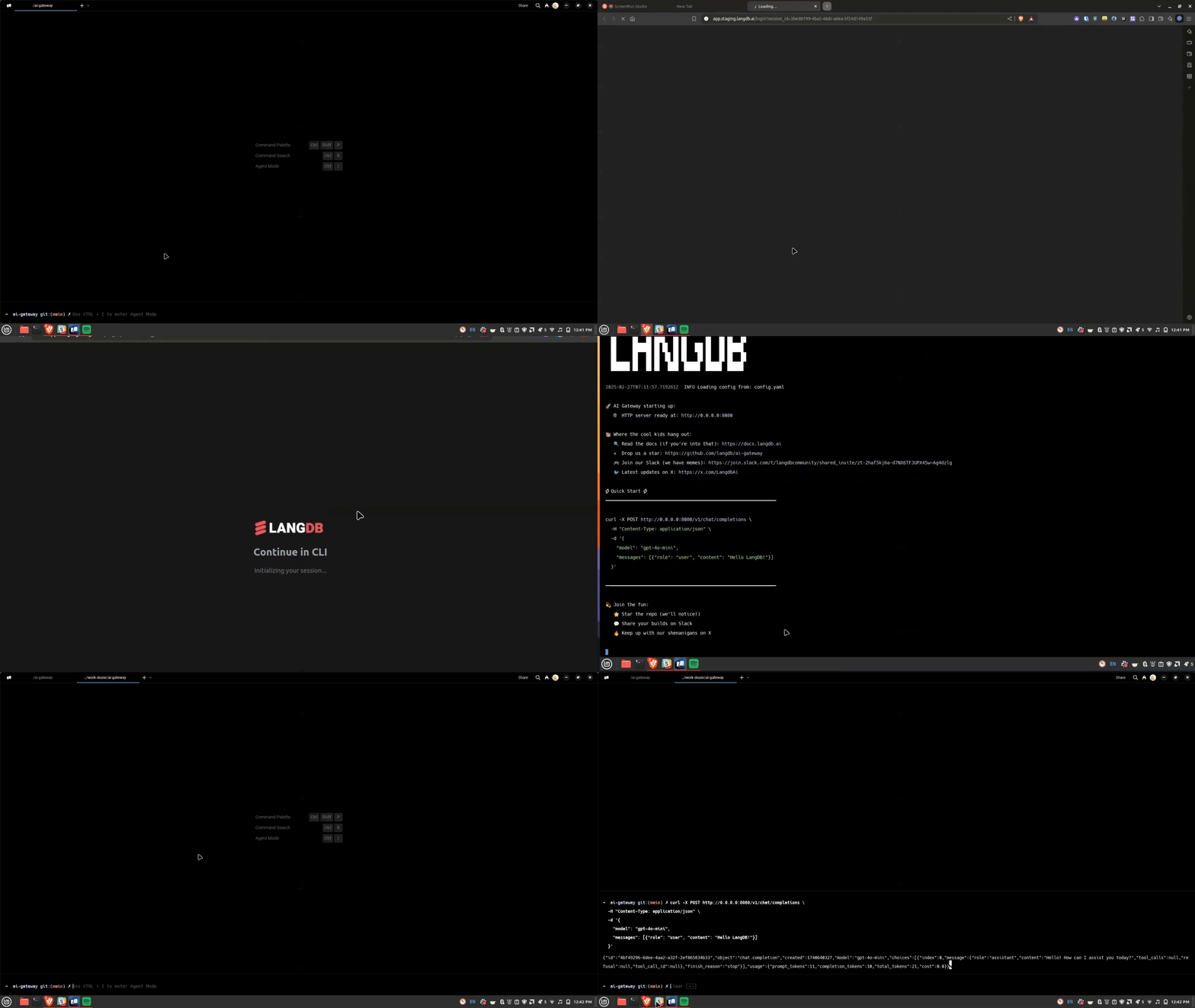
Running Locally
Step 1: Run Docker and Login
docker run -it \
    -p 8080:8080 \
    langdb/ai-gateway login
Step 2: Start Server
docker run -it \
    -p 8080:8080 \
    langdb/ai-gateway serve
Step 3: Make your first request
# Chat completion with GPT-4
curl http://localhost:8080/v1/chat/completions \
-H "Content-Type: application/json" \
-d '{
"model": "gpt-4o-mini",
"messages": [{"role": "user", "content": "What is the capital of France?"}]
}'
# Or try Claude
curl http://localhost:8080/v1/chat/completions \
-H "Content-Type: application/json" \
-d '{
"model": "claude-3-opus",
"messages": [
{"role": "user", "content": "What is the capital of France?"}
]
}'
The gateway provides the following OpenAI-compatible endpoints:
POST /v1/chat/completions- Chat completionsGET /v1/models- List available modelsPOST /v1/embeddings- Generate embeddingsPOST /v1/images/generations- Generate images
Advanced Configuration
LangDB allows advanced configuration options to customize its functionality. The three main configuration areas are:
- Limits – Control API usage with rate limiting and cost control.
- Routing – Define how requests are routed across multiple LLM providers.
- Observability – Enable logging and tracing to monitor API performance.
These configurations can be set up using a configuration file (config.yaml) or overridden via command line options.
Setting up
Download the sample configuration from our repo.
- Copy the example config file:
curl -sL https://raw.githubusercontent.com/langdb/ai-gateway/main/config.sample.yaml -o config.sample.yaml

cp config.sample.yaml config.yaml
Command line options will override corresponding config file settings when both are specified.
Visit for more details.