Setting Up Provider Keys
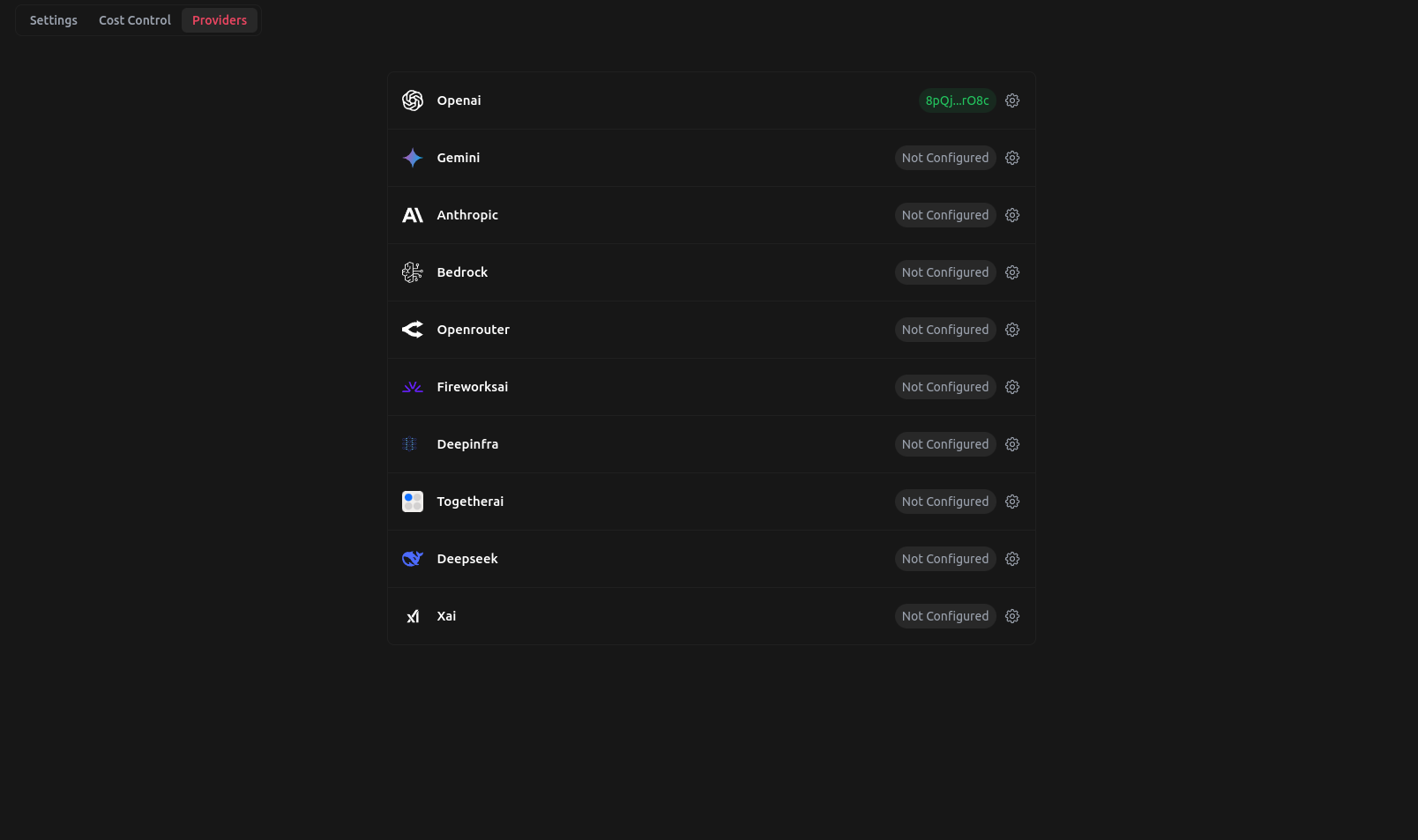
LangDB supports bringing your own provider API keys (BYOK) to give you direct control over rate limits and costs via your provider account.
Overview
When you use provider keys, your API keys are securely encrypted and used for all requests routed through the specified provider. This enables:
- Direct control over rate limits and costs
- Access to your provider's specific features and models
- Seamless integration with existing provider accounts
Provider Configurations
OpenAI Provider
The OpenAI provider can be configured to work with both OpenAI's direct API and Azure OpenAI services through the same configuration interface.
Configuration Fields
The OpenAI provider configuration modal includes:
- API Key: Your OpenAI API key (required field)
- Endpoint: Your custom endpoint URL (optional - leave blank for standard OpenAI, or enter your Azure OpenAI endpoint)
- Description: Optional notes about this configuration
Standard OpenAI Configuration
For direct OpenAI API access, simply enter your OpenAI API key in the API Key field and leave the Endpoint field blank.
Azure OpenAI Configuration
To use Azure OpenAI, enter your OpenAI API key in the API Key field and your Azure OpenAI endpoint URL in the Endpoint field. This allows you to use OpenAI models to call Azure OpenAI directly through the same provider configuration.
Google AI Studio
Google AI Studio (formerly known as Google AI Platform) requires your Google API key for authentication. Enter your API key in the configuration form.
AWS Bedrock
AWS Bedrock supports two authentication methods through the UI:
Option 1: Bedrock API Keys (Recommended)
Amazon Bedrock API keys provide a simpler authentication method. Simply enter your Bedrock API key in the designated field.
Note: Bedrock API keys are tied to a specific AWS region and cannot be used to change regions.
Option 2: AWS Credentials
Alternatively, you can use traditional AWS credentials for more flexibility. The UI provides separate input fields for:
- Access Key: Your AWS Access Key ID
- Access Secret: Your AWS Secret Access Key
- AWS Region: A dropdown to select your preferred AWS region
- Description: An optional field to add notes about this configuration
Important: AWS will automatically fetch available models when using either authentication method, so you don't need to manually specify model configurations.
Custom Pricing for Imported Models
Some models imported from providers like AWS Bedrock, Azure, and Vertex AI don't have built-in pricing information. For these models, you can set custom pricing using the LangDB API.
Setting Custom Prices
Use the following API endpoint to configure custom pricing for imported models:
curl -X POST "https://api.us-east-1.langdb.ai/projects/{project_id}/custom_prices" \
  -H "Authorization: Bearer YOUR_SECRET_TOKEN" \
  -H "Content-Type: application/json" \
  -d '{
    "bedrock/twelvelabs.pegasus-1-2-v1:0": {
      "per_input_token": 1.23,
      "per_output_token": 2.12
    }
  }'
This allows you to track costs accurately for models that don't have predefined pricing in the LangDB system.
You can checkout: Set custom prices for imported models
Setup Instructions
Step 1: Go to Project Settings
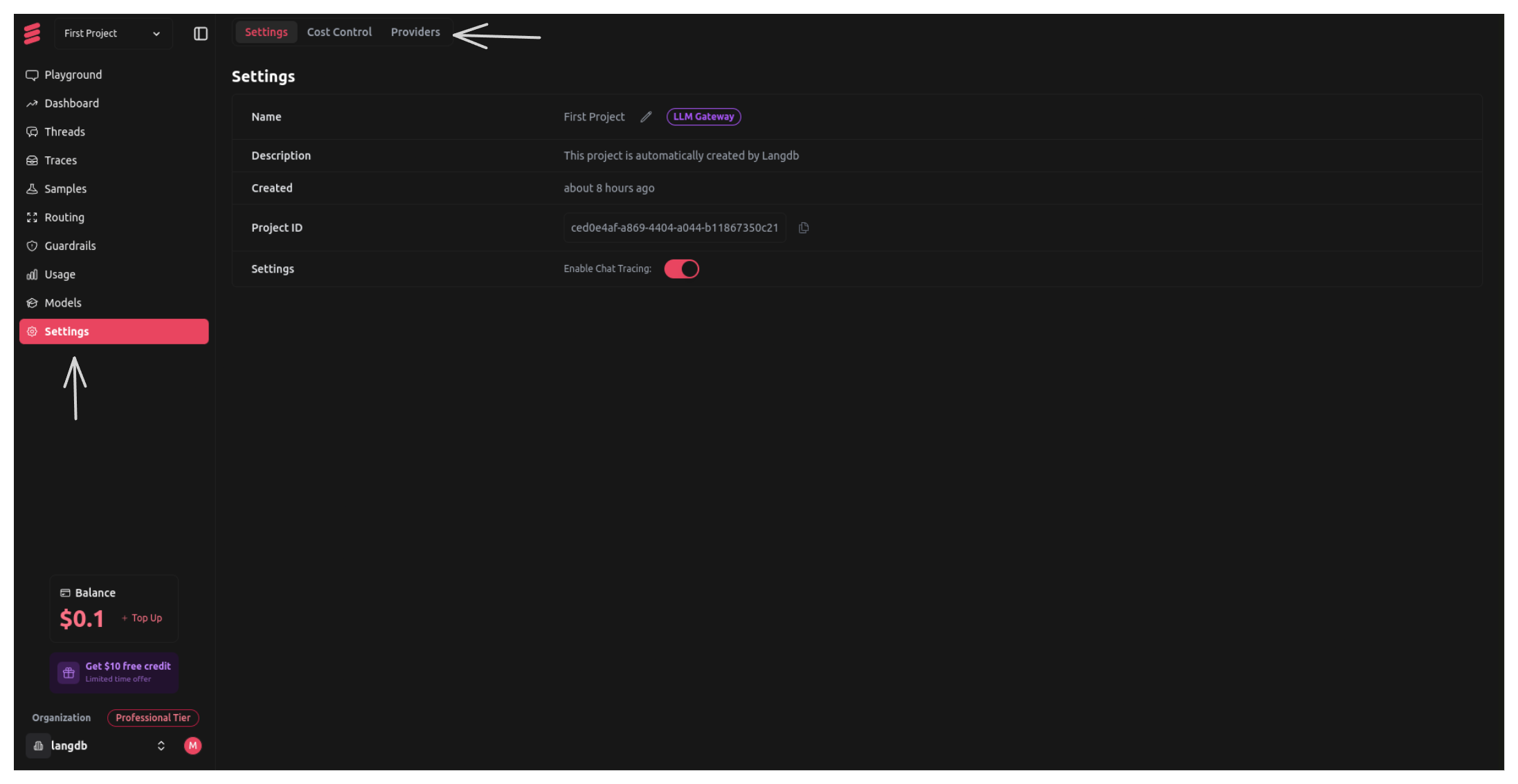
Step 2: Go to Providers Tab in Project Settings
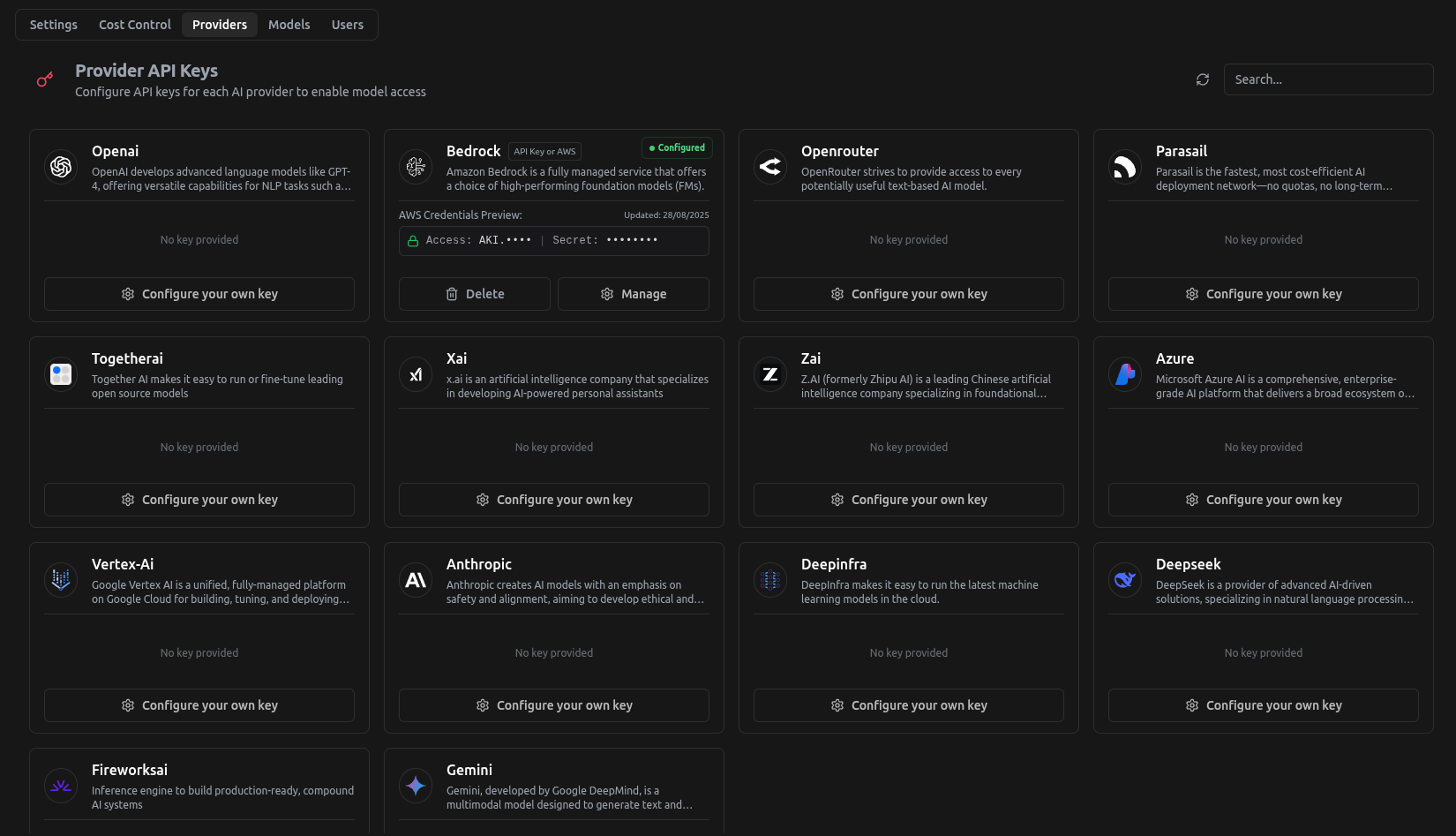
Step 3: Choose the Provider to be Configured
In this example, we will use Azure OpenAI and set it up
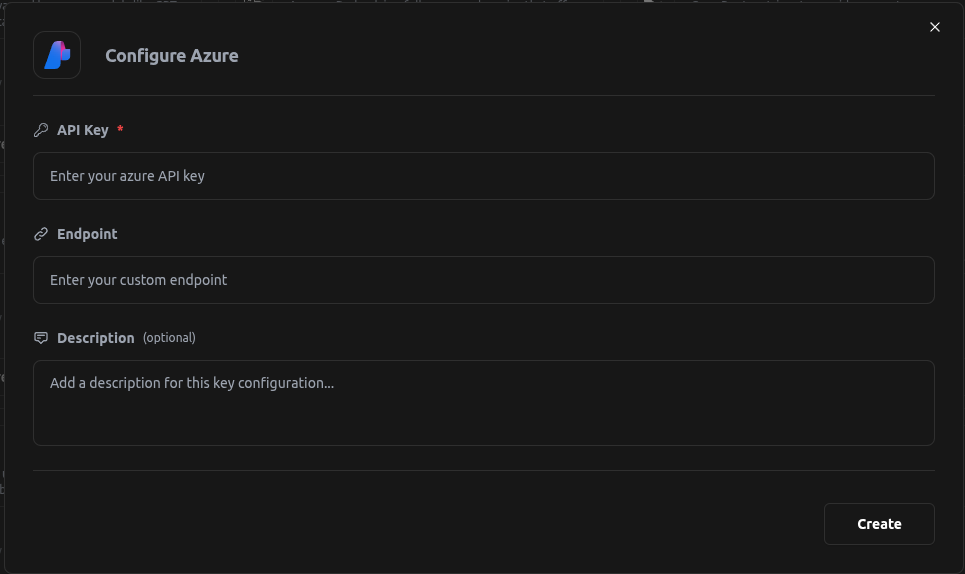
Once the Provider has been configured, you can use Azure Models.