Using Parameters
LangDB AI Gateway supports every LLM parameter like temperature, max_tokens, stop sequences, logit_bias, and more.
API Usage:
- Python
- TypeScript
from openai import OpenAI

response = client.chat.completions.create(
    model="gpt-4o", # Change Model
    messages=[
        {"role": "user", "content": "What are the earnings of Apple in 2022?"},
    ],
    temperature=0.7,               # temperature parameter
    max_tokens=150,                # max_tokens parameter
    stream=True                   # stream parameter
)
const response = await client.chat.completions.create({
  model: 'gpt-4o-mini',
  messages,
  temperature: 0.7,              // temperature parameter
  max_tokens: 150,               // max_tokens parameter
  logit_bias: { '50256': -100 }, // logit_bias parameter
  stream: true,                  // stream parameter
});
UI
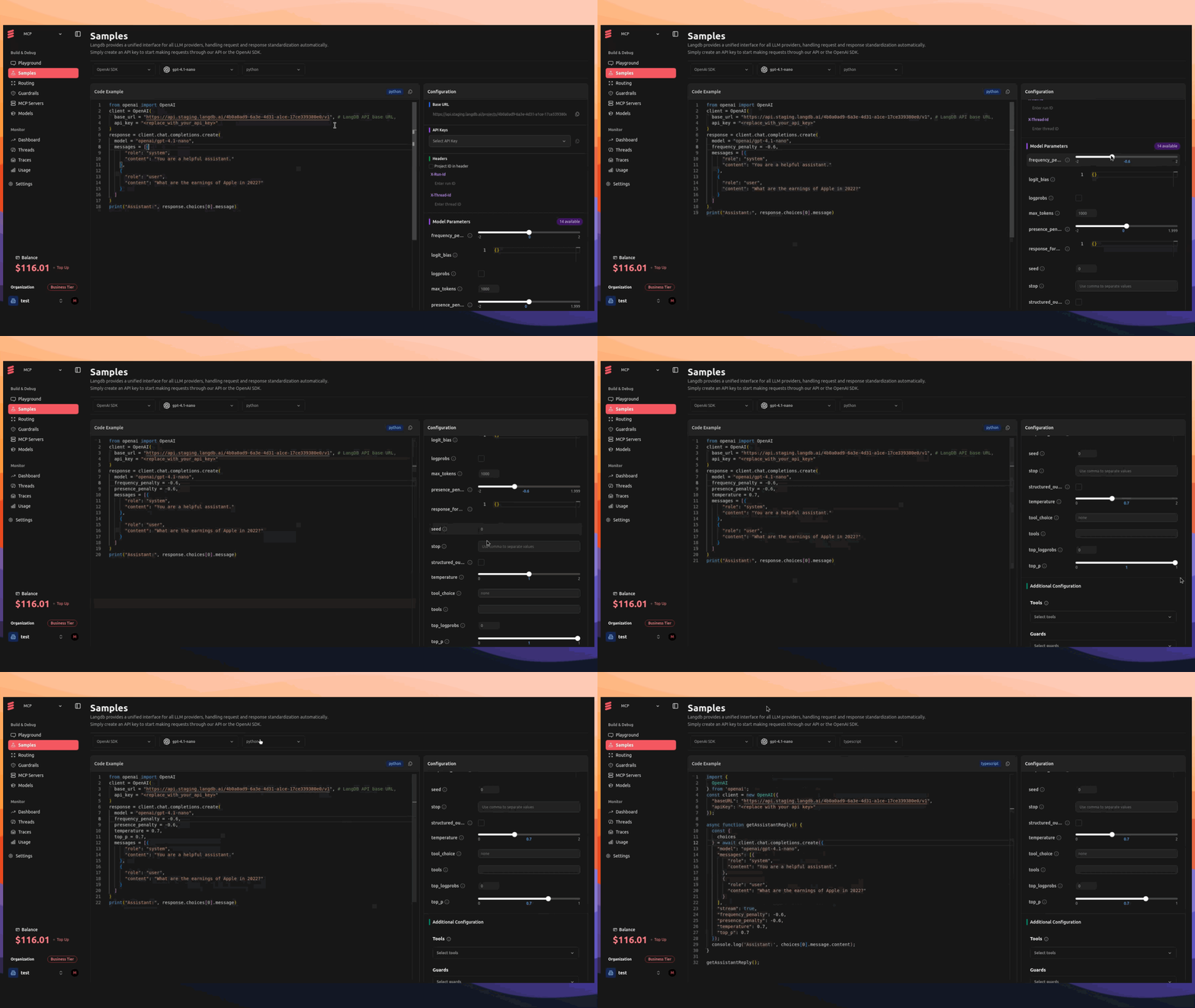
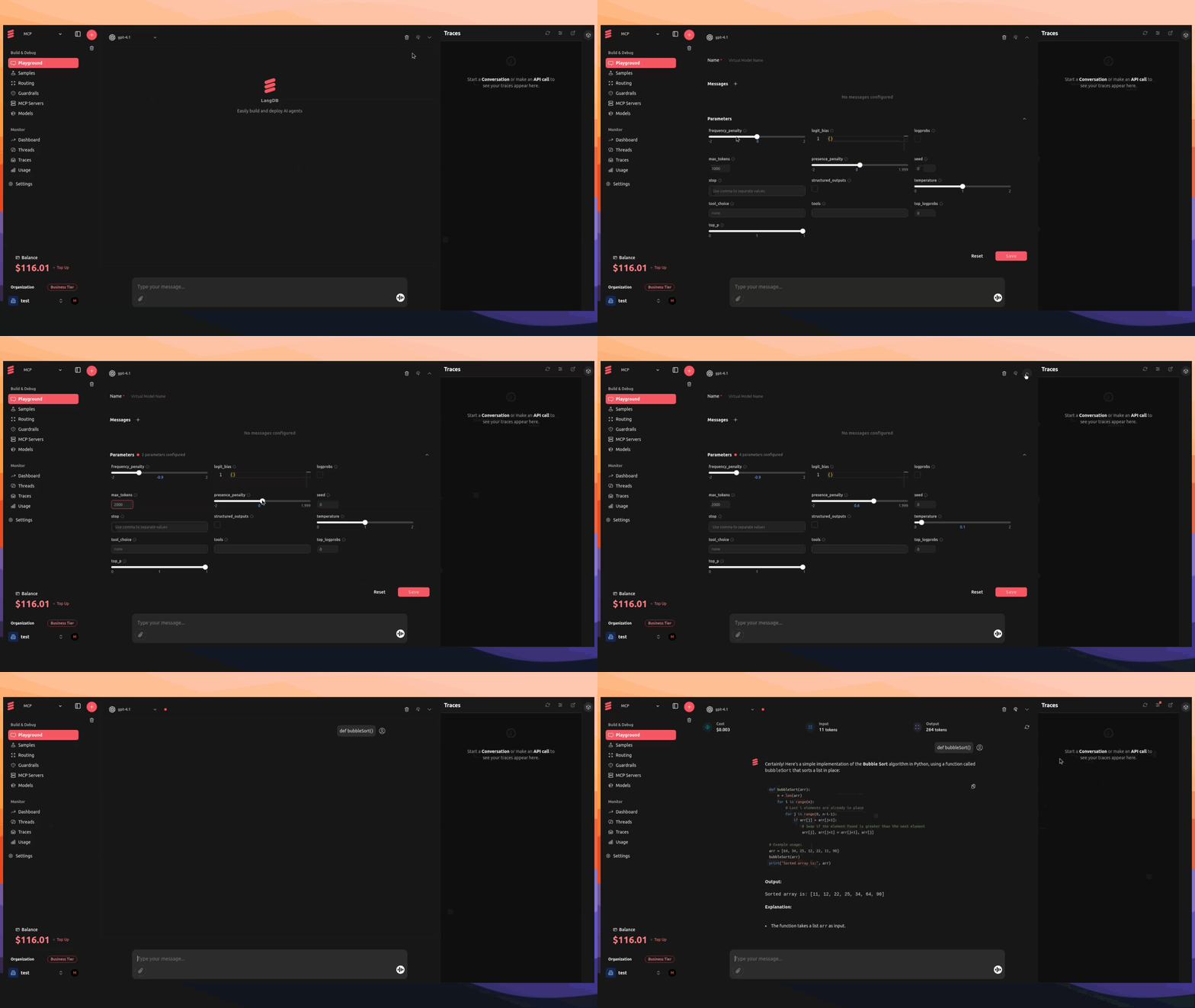
You can also use the UI to test various parameters and getting code snippet;
Playground
Use the Playground to tweak parameters in real time via the Virtual Model config and send test requests instantly.
Samples
Explore ready-made code snippets complete with preconfigured parameters—copy, paste, and customize to fit your needs.